Your business applications, available wherever your team works.
Bang IT designs and manages hosted desktop and published application environments that give your team secure access to the Windows applications and desktops they need — without tying them to a particular office or device.
Using technologies such as Parallels RAS, we can deliver complete hosted desktops or publish individual business applications from infrastructure designed around your users, applications and data.




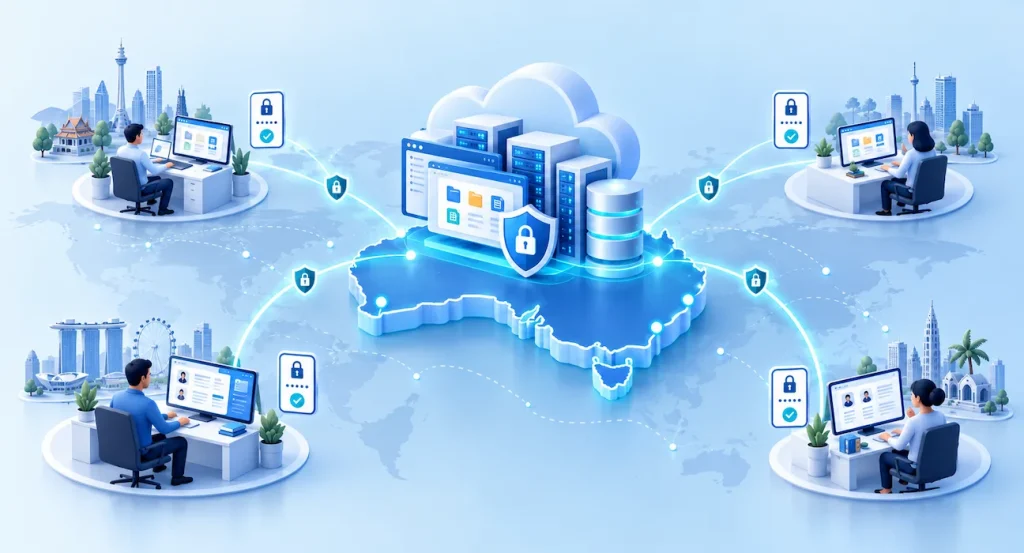
Give users what they need — without giving them more than they need.
Not every user needs a complete remote desktop. In many environments, the better approach is to publish only the Windows applications they need.
The application runs in the hosted environment and is presented to the user remotely, helping keep application processing and core business data close to the systems they depend on.
Hosted desktop
Provide users with a complete Windows workspace containing the applications, settings and resources they need to work remotely.
Published applications
Deliver individual Windows applications to users without requiring them to work inside a complete remote desktop.
A practical option for distributed teams and business-critical applications.
Remote and offshore teams
Give your team controlled access to business systems wherever they work.
Line-of-business applications
Keep Windows applications close to the central databases and servers they depend on.
Contractors and temporary users
Provide the access a role requires without unnecessary access to the wider environment.
Multi-location businesses
Give users across different offices consistent access to central applications.
Legacy Windows applications
Keep important applications available when they are not suited to a browser or SaaS replacement.
Data-sensitive workloads
Keep application processing and core datasets in the hosted environment rather than distributing them unnecessarily across endpoints.
Why we use Parallels RAS
Parallels Remote Application Server gives us a flexible platform for delivering Windows applications and desktops to users across different devices and locations.
Windows applications and desktops
Publish selected applications or provide a complete Windows workspace.
Client or browser access
Connect using a supported Parallels Client or browser-based HTML5 access.
Identity and access controls
Integrate multi-factor authentication and single sign-on with supported identity providers.
Resilience options
Design load balancing and high availability where the workload and requirements call for them.
Flexible desktop platforms
Support delivery from Remote Desktop Session Hosts (RDSH), VDI and Azure Virtual Desktop where appropriate.
Central management
Manage application publishing, user access and the delivery environment from a central platform.
We design the environment around the applications, users, security requirements and hosting model rather than forcing every customer into the same architecture.
Hosted where it makes sense for your business.
The right hosting model depends on your applications, users, existing systems and security requirements.
Bang IT Cloud
A managed cloud environment sized around the applications and users.
Microsoft Azure
Azure infrastructure where it suits the workload and wider environment.
Your infrastructure
Supported existing customer infrastructure where it remains a practical fit.
Hybrid environments
A combination of platforms where application dependencies or business needs require it.
Australian-hosted options are available. We confirm the location and architecture for the specific environment.
Explore Cloud Services →Hosted applications and cloud platforms in practice
See how we’ve used hosted infrastructure and remote application delivery to solve real business challenges.
8 case studies
A growing Australian recruitment company
Helping a growing recruitment company introduce hot desking and flexible working
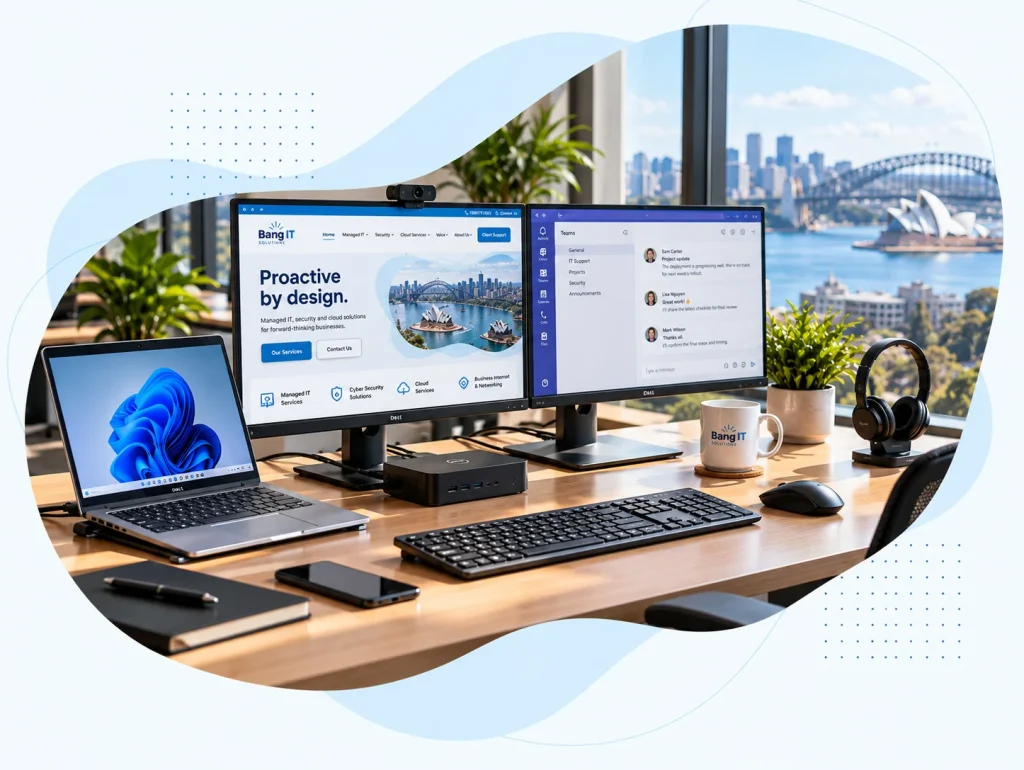
We helped a growing Australian recruitment company move from fixed desktop PCs to business laptops and standardised shared desks, enabling hot desking and working from home while making more flexible use of its existing office.
Read case study : Helping a growing recruitment company introduce hot desking and flexible working
TradeWindow Cyberfreight — Australian freight forwarding software provider supporting more than 200 customer organisations
Taking a desktop freight application into the cloud
We built a hosted cloud environment for TradeWindow Cyberfreight, moving more than 200 customers away from locally hosted databases and giving users secure access to their business application from anywhere.
Read case study : Taking a desktop freight application into the cloud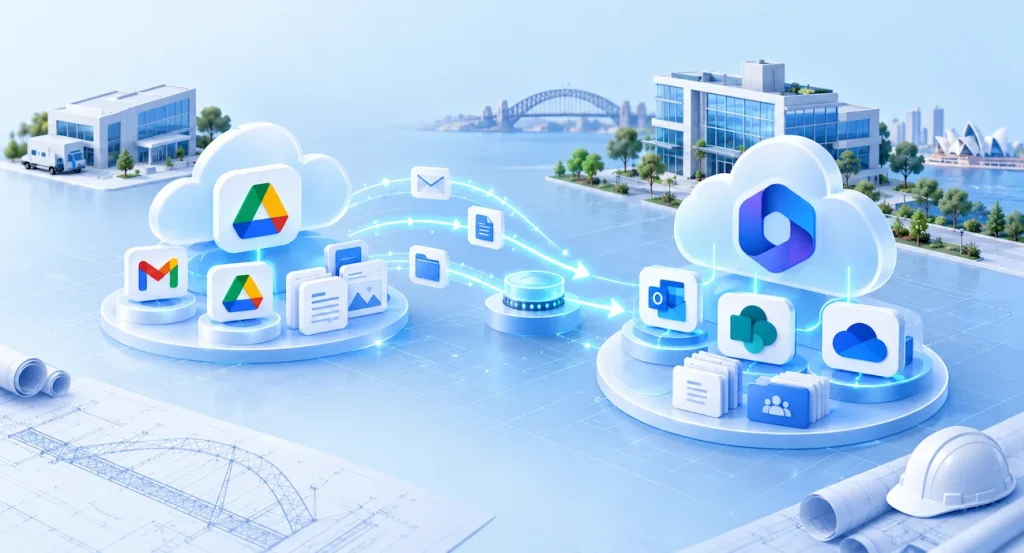
Sydney-based engineering company
Moving an engineering company from Google Workspace to Microsoft 365
We migrated a Sydney engineering company from Google Workspace to Microsoft 365, moving Gmail and Google Drive data into Exchange Online, SharePoint and OneDrive without business downtime.
Read case study : Moving an engineering company from Google Workspace to Microsoft 365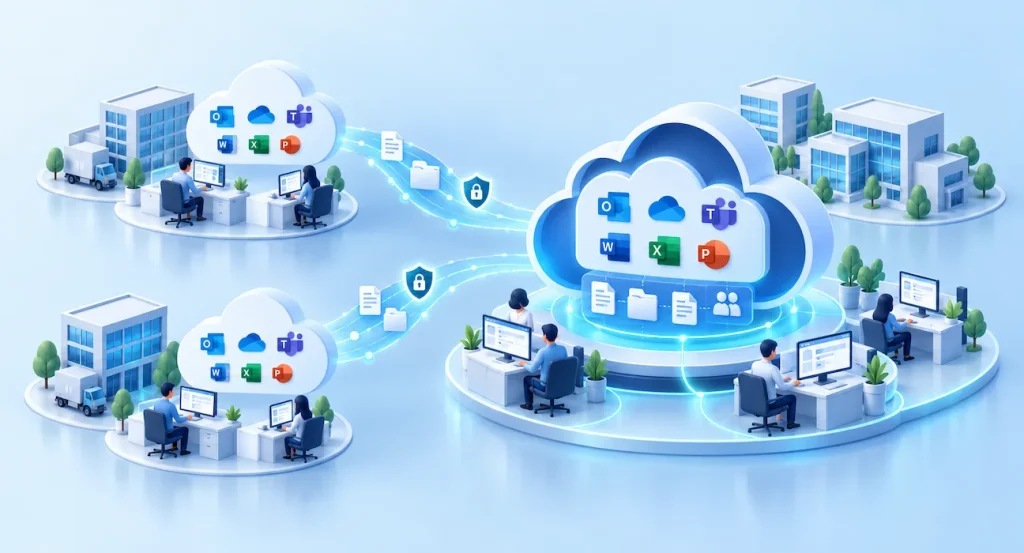
Australian strata management group following an acquisition
Bringing two property businesses together in Microsoft 365
Following the acquisition of another strata company, we consolidated two separate Microsoft 365 tenants while allowing both businesses to retain their individual operating identities.
Read case study : Bringing two property businesses together in Microsoft 365
Large Australian recruitment company with an offshore operations team
Providing an Australian-hosted workspace for an offshore team
We created an Australian-hosted desktop environment for the offshore team of a large recruitment company, allowing staff overseas to work securely while business systems and primary data remain in Australia.
Read case study : Providing an Australian-hosted workspace for an offshore team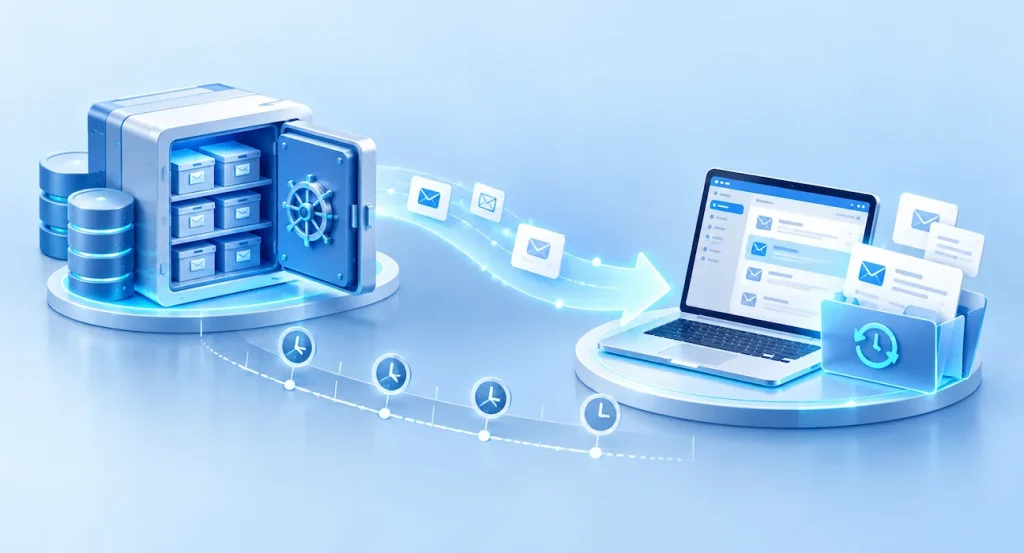
Australian IT services business
Recovering a former employee’s mailbox two years after they left
When a legal matter required email from an employee who had left two years earlier, we recovered the former user’s mailbox and historical deleted email from Microsoft 365 backup.
Read case study : Recovering a former employee’s mailbox two years after they left
Australian property management business
Building a secondary recovery environment outside Microsoft Azure
For a property management business running MRI and SQL workloads in Azure, we created a secondary recovery environment in Bang IT Cloud to provide an additional layer of business continuity.
Read case study : Building a secondary recovery environment outside Microsoft Azure
Large Australian property management and facilities organisation
Connecting property sites across Australia with secure business networks
We connected commercial and industrial properties across Australia using high-speed fibre and Sophos firewalls, creating secure site-to-site connectivity for business systems and centrally managed CCTV.
Read case study : Connecting property sites across Australia with secure business networksDesigned around the application, not just the server.
Understand users and applications
Identify who needs access, where they work and which systems they rely on.
Assess application requirements
Review dependencies, databases, performance, peripherals and licensing.
Design the environment
Plan the hosting, compute resources, identity and access model.
Secure and publish access
Deliver the selected applications or desktops with appropriate user access and security controls.
Manage and support
Monitor and maintain the environment and help users with the supported workspace.
Frequently Asked Questions
What is the difference between a hosted desktop and published applications?
A hosted desktop provides a complete Windows workspace. Published applications provide access to selected Windows applications without requiring users to work inside a full remote desktop. We recommend the approach that fits the applications and the way your team works.
Can users connect from a Mac or personal computer?
Supported devices can connect using an appropriate Parallels Client or browser. The suitable access method depends on application requirements and your organisation’s endpoint security and access policies.
Can the environment be hosted in Australia?
Yes. Australian-hosted options are available. We confirm the hosting location and design around your applications, users and requirements.
Can you host our existing Windows application?
Many Windows applications can be delivered this way. We first assess compatibility, licensing, database dependencies, performance and any peripheral requirements before recommending a design.
How is remote access secured?
The design can include identity integration, multi-factor authentication, secure gateways, access policies and user permissions. The controls depend on the environment and requirements. Explore our cyber security services.
Is this the same as Windows 365?
No. Windows 365 is Microsoft’s Cloud PC service. A hosted desktop or Parallels RAS environment can be designed to deliver shared or dedicated desktops as well as individual published applications. We recommend the approach that best fits the users and applications involved.
Can this support an offshore team?
Yes. We can design controlled access for users working overseas, including an Australian-hosted environment where appropriate. See how we supported an offshore recruitment team.
Give your team the right workspace.
Tell us which applications your team relies on and how they need to work. We’ll help you assess whether a hosted desktop or published application environment makes sense.
Talk to our team