A business phone system built around your call flow.
3CX combines traditional PBX functionality with modern desktop, mobile and headset-based calling.
When a business needs more control over how calls move through teams, queues and departments, 3CX can provide a flexible dedicated phone-system platform.
Bang IT can help design, implement and support the environment around the way your organisation handles calls.
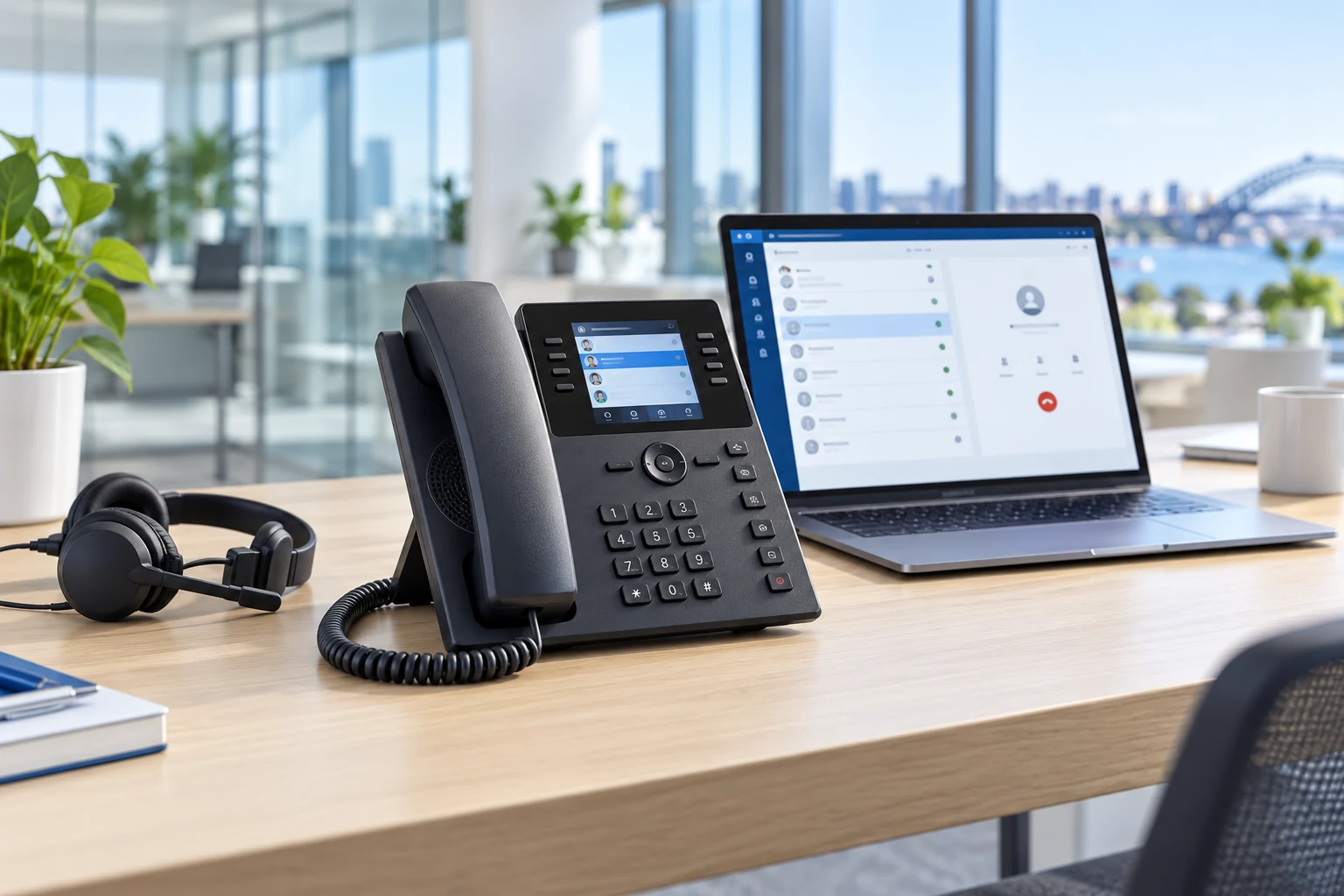
Flexible call routing
Route calls according to the way your business actually operates.
Queues & ring groups
Distribute calls across appropriate teams, users or groups.
Desktop & mobile apps
Take business calls beyond the traditional desk handset.
Managed implementation
Bang IT can design, configure and support the agreed environment.
Sometimes a business needs more than simple person-to-person calling
3CX can suit organisations with multiple incoming numbers, reception requirements and several departments. The way calls are handled may need to change depending on when the business is open and where its users are working.
Bang IT can map those requirements into a dedicated business phone system rather than treating every incoming call the same way.
Call queues and ring groups
Menu-driven call routing
Different open and closed call flows
Users working from several locations
What should happen when someone calls?
Incoming number
IVR / Digital Receptionist
Provide menu options where required.
Queue, ring group or department
Route the call to the appropriate destination.
User
Answer through a supported app, headset or handset.
Alternative routing
Use voicemail, another destination or out-of-hours routing where configured.
Core 3CX capabilities
IVR / Digital Receptionist
Use menu-driven call routing to direct callers to appropriate users, queues or ring groups.
Call Queues
Hold and distribute incoming calls across an appropriate team where queue-based call handling is required.
Ring Groups
Ring multiple extensions using an agreed strategy so incoming calls can reach the right group of people.
Business Hours Routing
Configure different call destinations for open, closed, break and holiday periods where required.
Desktop & Mobile Calling
Use supported 3CX applications to make and receive business calls away from a traditional handset.
Handsets & Headsets
Use compatible IP phones and headsets where staff prefer or require physical calling devices.
The extension doesn’t have to stay on the desk
Office and home users can use supported 3CX applications on their computers and laptops. Mobile applications can let users handle business calls while away from their desk, while compatible physical handsets remain an option where they make sense.
Call quality still depends on suitable internet and network connectivity.

Calling across the workplace
Office · Home · Laptop · Mobile · Supported handset
Keep the number. Change the system.
Existing business phone numbers can often be transferred to a new 3CX environment through a number-porting process.
Bang IT can coordinate the agreed migration and configure the new call flows around the numbers being moved.
Portability and timing depend on the number type, existing carrier and destination service.
Plan the cutover
Numbers, users, routing and supported devices should be ready for the agreed transition to the new system.
Moving to 3CX
Review the current system
Understand existing numbers, users, devices, queues and call flows.
Map the requirements
Identify how incoming and outgoing calls need to work.
Design the environment
Plan users, extensions, queues, ring groups, routing and supported devices.
Configure 3CX
Build the agreed phone-system configuration.
Port and cut over
Coordinate the agreed number migration and transition to the new system.
Validate and support
Test agreed call flows and provide ongoing support for the implemented environment.
Good calling still needs a good network
3CX calling depends on suitable internet, LAN and Wi-Fi quality. An unstable connection or poor wireless coverage can affect call quality even when the phone-system configuration is sound.
Frequently Asked Questions
What is 3CX?
3CX is a business communications platform that provides phone-system functionality including supported call routing, queues, ring groups, IVR, desktop and mobile calling and compatible physical devices.
Can 3CX use call queues and ring groups?
Yes. Supported 3CX environments can use queues and ring groups to distribute incoming calls across appropriate users or teams.
Can it use an automated phone menu?
Yes. 3CX supports IVR / Digital Receptionist functionality for menu-driven call routing where required.
Can users call from a computer or mobile?
Yes. Supported desktop and mobile applications can allow users to make and receive business calls through the 3CX environment.
Can we still use desk phones?
Yes. Compatible IP handsets can be used where users prefer or require a physical desk phone.
Can we keep our existing phone numbers?
Existing numbers can often be ported, although this depends on the number type, existing carrier and destination service.
Can Bang IT migrate us from an older phone system?
Yes, where the existing environment and numbers are suitable. We can review the current system, design the new environment and coordinate the agreed migration.
Does 3CX need reliable internet?
Yes. Modern hosted voice relies on suitable internet and network connectivity, and poor connectivity can affect call quality.
Is 3CX better than Microsoft Teams Phone?
It depends on the organisation’s requirements. 3CX provides a dedicated phone-system environment with flexible PBX-style functionality, while Teams Phone can be attractive where Microsoft Teams is already central to the way staff communicate.
Need more control over how business calls are handled?
Tell us how calls reach your business today and what needs to improve. We can help determine whether 3CX is an appropriate fit and plan the migration.