Managed IT Services
Microsoft 365, IT support, security and backups — managed together by an Australian-based team.
Looking after your IT involves more than fixing problems when someone calls. Your devices need maintaining, backups need checking, security needs attention, and staff need someone they can get help from.
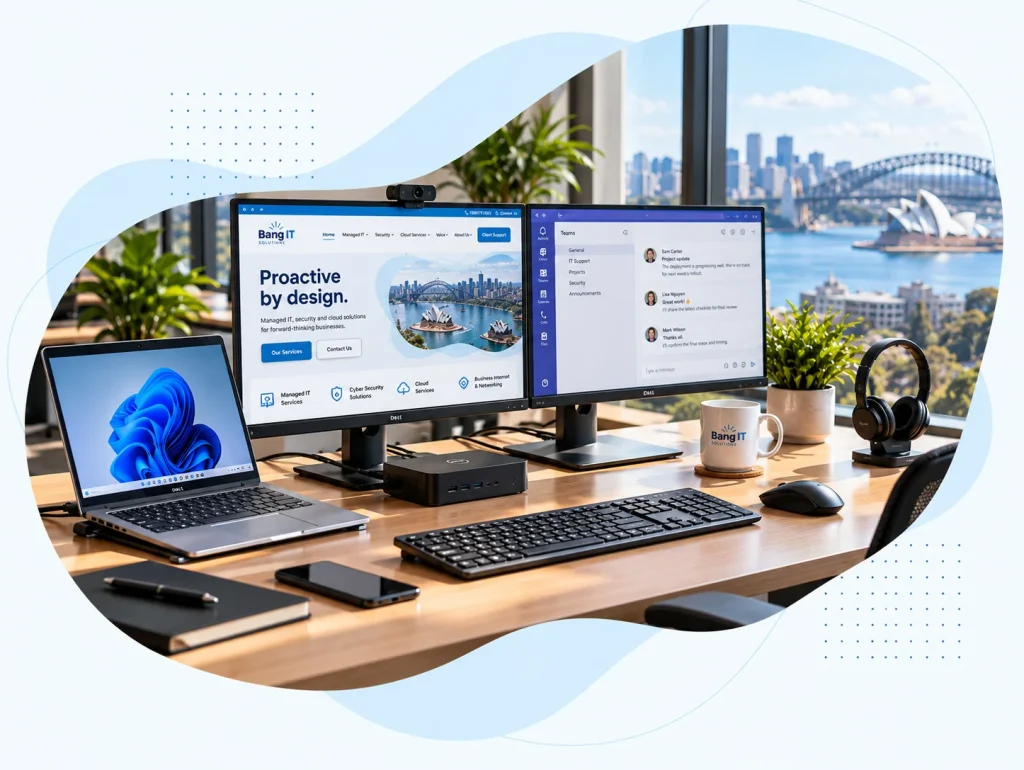
Bang IT brings those responsibilities together. Our managed service includes Microsoft 365 licensing and administration, unlimited business-hours support, endpoint and identity protection, backups, and ongoing device management.
We agree what your business needs, explain what’s included and take care of the day-to-day work.





Australian-based team
Local technical staff who understand your business. We support organisations across Australia.
Proactive not reactive
We monitor, maintain and address issues before they become bigger problems.
No runaround
Speak directly to technicians who can help.
A partner for the long term
We get to know your business and help plan what comes next.
What’s included in Managed IT
Rather than using separate providers for support, Microsoft 365, backups, security and device management, Bang IT brings the core responsibilities together into one managed service.
Microsoft 365 licensing and administration
Manage Microsoft 365 licensing, users, permissions and the day-to-day administration of the Microsoft cloud environment.
Unlimited business-hours IT support
Staff can contact our Australian-based technical team when they need help, without worrying about support hours being consumed every time they call.
Endpoint and identity protection
Protect users, devices and identities using Microsoft security controls together with additional monitoring and detection where appropriate.
Ongoing Microsoft 365 security management
Review and maintain Microsoft 365 security settings, access controls and security posture as the environment changes.
Microsoft 365 backups and recovery
Independent backups of Microsoft 365 data, monitored and available for recovery when required.
Device monitoring, patching and vulnerability management
Monitor supported devices, manage updates and identify vulnerabilities that need attention.
Keeping up with changes in your business
Your IT environment does not stand still. People join and leave, devices are replaced, software changes and new security requirements appear.
We continue to manage those changes as part of the relationship rather than treating your environment as something that was configured once and then forgotten.
Real IT challenges. Practical outcomes.
8 case studies
A growing Australian recruitment company
Helping a growing recruitment company introduce hot desking and flexible working
We helped a growing Australian recruitment company move from fixed desktop PCs to business laptops and standardised shared desks, enabling hot desking and working from home while making more flexible use of its existing office.
Read case study : Helping a growing recruitment company introduce hot desking and flexible working
TradeWindow Cyberfreight — Australian freight forwarding software provider supporting more than 200 customer organisations
Taking a desktop freight application into the cloud
We built a hosted cloud environment for TradeWindow Cyberfreight, moving more than 200 customers away from locally hosted databases and giving users secure access to their business application from anywhere.
Read case study : Taking a desktop freight application into the cloud
Sydney-based engineering company
Moving an engineering company from Google Workspace to Microsoft 365
We migrated a Sydney engineering company from Google Workspace to Microsoft 365, moving Gmail and Google Drive data into Exchange Online, SharePoint and OneDrive without business downtime.
Read case study : Moving an engineering company from Google Workspace to Microsoft 365
Australian strata management group following an acquisition
Bringing two property businesses together in Microsoft 365
Following the acquisition of another strata company, we consolidated two separate Microsoft 365 tenants while allowing both businesses to retain their individual operating identities.
Read case study : Bringing two property businesses together in Microsoft 365
Large Australian recruitment company with an offshore operations team
Providing an Australian-hosted workspace for an offshore team
We created an Australian-hosted desktop environment for the offshore team of a large recruitment company, allowing staff overseas to work securely while business systems and primary data remain in Australia.
Read case study : Providing an Australian-hosted workspace for an offshore team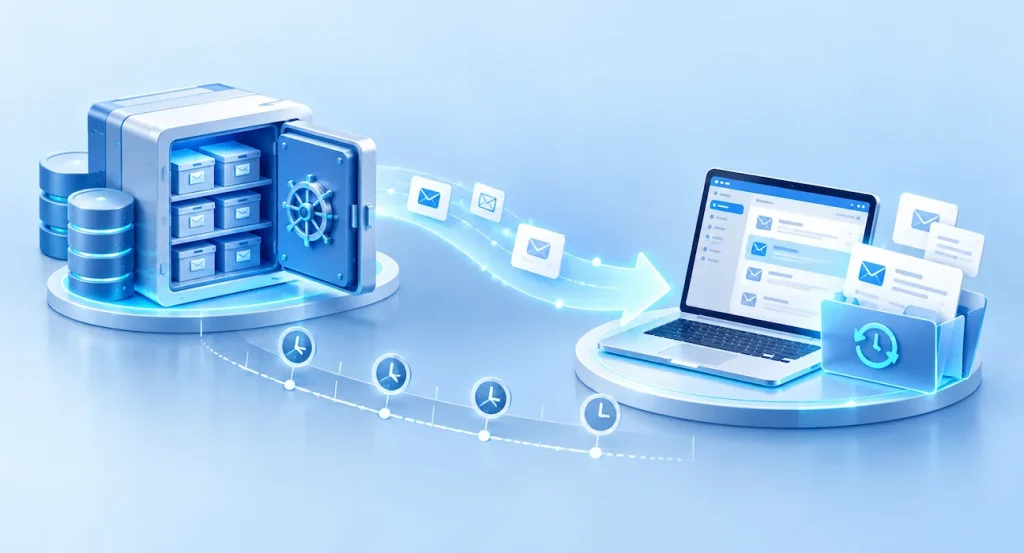
Australian IT services business
Recovering a former employee’s mailbox two years after they left
When a legal matter required email from an employee who had left two years earlier, we recovered the former user’s mailbox and historical deleted email from Microsoft 365 backup.
Read case study : Recovering a former employee’s mailbox two years after they left
Australian property management business
Building a secondary recovery environment outside Microsoft Azure
For a property management business running MRI and SQL workloads in Azure, we created a secondary recovery environment in Bang IT Cloud to provide an additional layer of business continuity.
Read case study : Building a secondary recovery environment outside Microsoft Azure
Large Australian property management and facilities organisation
Connecting property sites across Australia with secure business networks
We connected commercial and industrial properties across Australia using high-speed fibre and Sophos firewalls, creating secure site-to-site connectivity for business systems and centrally managed CCTV.
Read case study : Connecting property sites across Australia with secure business networksA clear scope before we start
Every business is slightly different. Before we start, we agree what is being managed, which users and devices are covered and whether there are any additional systems or requirements that need separate attention.
That gives both sides a clear understanding of what is included from the beginning.
Moving to Bang IT
Changing IT providers does not need to be disruptive. We handle the technical transition, with a few approvals and some cooperation from you and your existing provider.
01
Arrange Microsoft 365 access
We securely obtain the access needed to review and manage your Microsoft 365 environment.
02
Check existing backups
We confirm what is currently protected, how it is backed up and whether anything needs attention.
03
Review current security
We assess your existing Microsoft 365, endpoint and identity security controls.
04
Connect devices
We deploy our management, monitoring and security tools to the devices in scope.
05
Collect access and documentation
We gather the technical information, credentials and documentation needed to properly support your environment.
06
Introduce staff
We show your team how to contact Bang IT and what to expect when they need support.
What our clients say
Trusted by businesses across Australia
See what businesses we support say about working with Bang IT.


FAQs
Is Microsoft 365 included?
Yes. Microsoft 365 licensing and administration form part of our managed service, with the exact licensing agreed for your business.
Is support unlimited?
Yes. Unlimited business-hours IT support is included for the users, devices and services covered by your Managed IT agreement.
Projects, major changes, hardware, third-party services and anything outside the agreed managed scope may be quoted separately. We make that scope clear before we start.
Do you provide cyber security as part of Managed IT?
Yes. Core endpoint, identity and Microsoft 365 security controls are included, with additional security services scoped where required.
Do you back up Microsoft 365?
Yes. We use independent Microsoft 365 backups rather than relying solely on Microsoft’s native retention features.
Can you take over from another IT provider?
Yes. We regularly onboard businesses from existing providers and coordinate the technical handover.
Do you support very small businesses?
Our Managed IT service is generally designed for businesses with five or more users.
Smaller organisations may still be a fit in some circumstances, but the service is built around providing a complete managed environment including support, security, monitoring and backup.
How is Managed IT priced?
Our Managed IT service is priced on a fixed per-user basis, so your monthly IT costs are predictable.
The exact amount depends on the Microsoft 365 licensing and services your business requires, as well as the devices and systems we’ll be managing. We confirm the scope and pricing with you before we start.
Looking for someone to properly look after your IT?
Talk to Bang IT about bringing your support, Microsoft 365, security, backups and device management together.