
The right hardware for the people using it.
Business laptops, desktops, monitors and accessories selected, supplied and configured around the way your team works.
Buying a computer is easy. Buying the right computer for the person who will use it every day takes a little more thought.
Bang IT can help select and source business hardware based on the user's role, applications, mobility requirements and budget — then configure it so it is ready to become part of your existing IT environment.




Fit for the role
Choose hardware around the applications, workload and way each person works rather than using the same specification for everybody.
Business-focused
We consider supportability, warranty, connectivity and the wider business environment — not just the specifications on the box.
Configured before use
Where agreed, equipment can be prepared and configured before it is handed to the user.
Lifecycle planning
Keep track of ageing equipment and make replacement decisions before old devices become a constant source of disruption.
Start with the job, not the specification sheet
A person working mainly in Outlook, Teams and a web browser does not necessarily need the same computer as somebody working with large datasets, specialist applications, design software or several high-resolution displays.
We look at the user's role and the applications they actually need before recommending hardware.
That helps avoid two common problems — buying a device that struggles with the workload, or spending significantly more than necessary on performance that will never be used.
Business hardware for the workplace
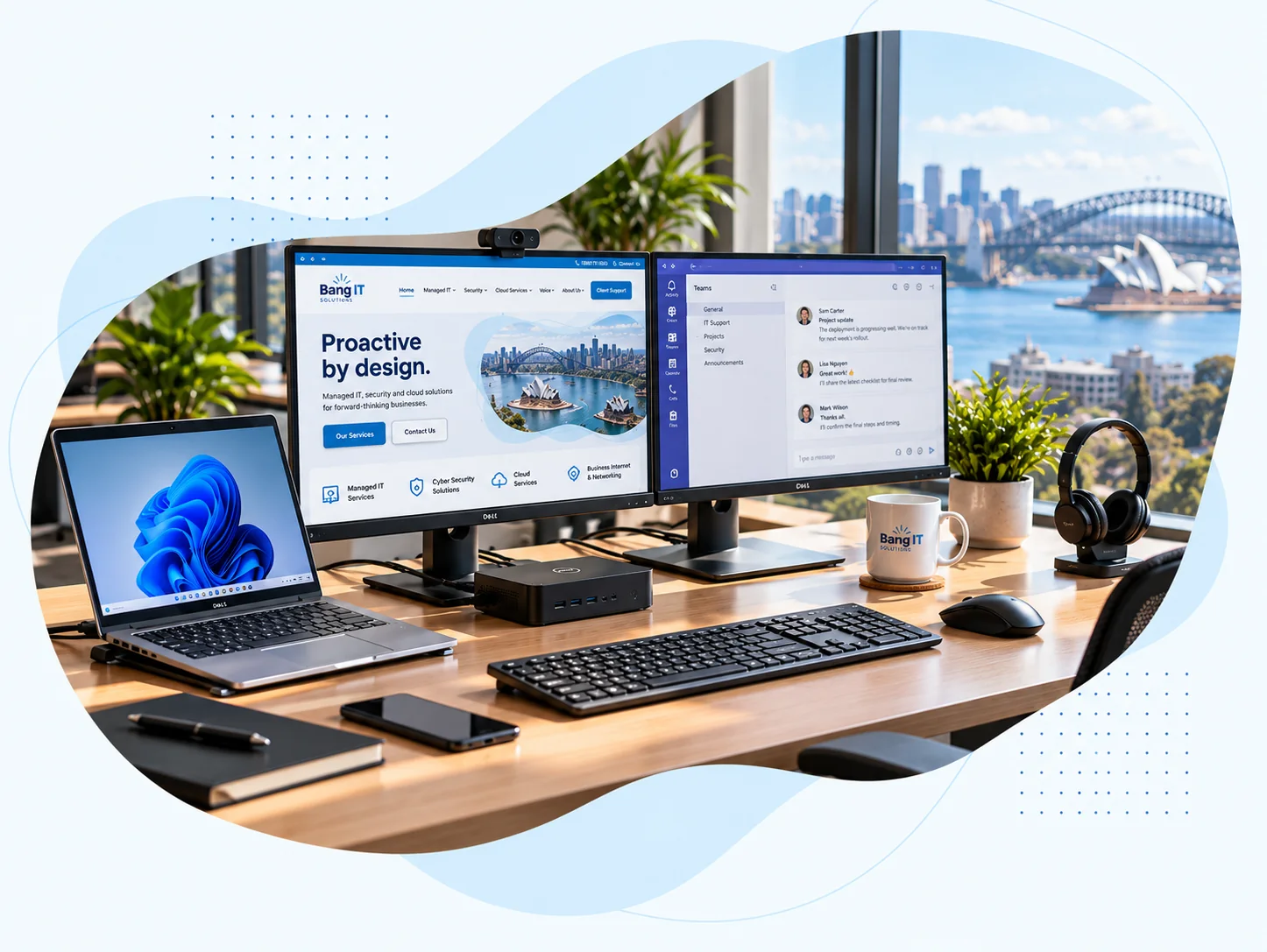
We can help source the everyday hardware your staff need to work effectively, with recommendations based on the environment and requirements rather than simply presenting a catalogue of products.
Laptops and desktops
Business computers selected around the user's workload, mobility requirements and the applications they need to run.
Monitors
Single or multi-monitor setups sized around the workspace and the way the user works.
Docking stations
Suitable docks and connectivity so laptop users can move between mobile work and a full desk setup without unnecessary cable swapping.
Accessories and peripherals
Business keyboards, mice, webcams, headsets and other supporting equipment where required.
Business hardware isn’t just about a different badge
Consumer equipment is not automatically unsuitable for every business, and a more expensive device is not automatically better.
However, business-focused hardware can offer advantages around warranty options, consistency, docking, connectivity, supportability and maintaining a standard fleet of devices over time.
For an organisation with multiple staff, those practical differences can matter more than a small saving on the original purchase price.
New hardware should arrive ready to become part of the business
Giving somebody a sealed laptop and asking them to work through the setup themselves is rarely the best start.
Where device preparation forms part of the agreed service, we can configure new equipment for the organisation before it is handed to the user.
The exact preparation process depends on the organisation, device and agreed Managed IT environment.
Depending on the environment, this may include:
- Windows configuration and updates
- connecting the device to the organisation's Microsoft environment
- required Microsoft 365 applications
- security and device-management configuration
- supported business applications
- access to relevant company resources
Get new starters ready before their first morning
A new employee needs more than an email address. They may also need a computer, monitors, a dock, headset, Microsoft 365 licensing, application access and security configuration.
With reasonable notice, we can coordinate the hardware and technical preparation so the employee has the equipment they need when they begin.
Confirm the role
Understand what the new employee will do and which applications and equipment they require.
Source the hardware
Arrange suitable computers, monitors, docks and peripherals based on the agreed requirements.
Configure the device
Prepare the equipment and relevant access according to the organisation's environment.
Ready for handover
Complete the agreed setup so the device can be provided to the new starter.
Computers don’t improve with age
Hardware gradually becomes slower, less reliable and harder to support. Batteries degrade, warranties expire and older devices can eventually stop meeting the needs of modern applications and security requirements.
Rather than waiting for an ageing computer to fail at the worst possible time, we can help identify devices that are approaching replacement and plan upgrades more sensibly.
Age and performance
Review whether the device still provides suitable performance for the user's current workload.
Warranty and reliability
Consider warranty status and whether recurring hardware issues indicate that replacement is more sensible than continued repair.
Replacement planning
Plan replacement over time rather than waiting for several ageing devices to fail together.
When the problem really is the hardware
Not every computer problem can be fixed remotely. Hardware can fail, screens can break and components can develop faults.
Where appropriate, we can help identify whether the issue is likely to be hardware-related and work through the available repair, warranty or replacement options.
The available warranty and repair process depends on the equipment and manufacturer.
Hardware works better when it is part of the wider environment
For Managed IT clients, devices are not treated as isolated purchases. They form part of the wider environment we manage alongside Microsoft 365, security, support and backups.
That gives us more context when selecting replacement equipment and preparing new devices for users.
Explore Managed ITLooking for firewalls, switches or business Wi-Fi?
Network infrastructure is covered separately as part of our Business Internet & Networking services.
Explore Business Internet & Networking
Making office growth more flexible
When a growing recruitment company needed more flexibility from its existing office, we replaced fixed desktop PCs with laptops and standardised shared desks with dual monitors and docking stations — enabling both hot desking and working from home.
Read the case studyFrequently Asked Questions
Can you supply laptops and desktop computers?
Yes. We can help select and source suitable business laptops and desktops based on the user's role, applications and requirements.
Can you supply monitors and docking stations?
Yes. We can provide monitors, docking stations and supporting peripherals as part of the workstation setup.
Do we have to buy the same computer for everyone?
No. Standardisation can make support and lifecycle management easier, but different roles can require different levels of performance or hardware. We recommend equipment based on the requirements of the user.
Is business hardware always better than consumer hardware?
Not automatically. The appropriate choice depends on the requirement. Business-focused devices can offer useful advantages around warranty, supportability, consistency and connectivity, particularly when an organisation manages multiple computers.
Can you set up a new computer before the employee receives it?
Yes, where device preparation forms part of the agreed service. We can configure supported equipment for the organisation before it is provided to the user.
How much notice do you need for a new starter?
As much notice as possible. Hardware availability and supplier delivery times vary, so early notice gives us more time to source the appropriate equipment and complete the required configuration before the employee starts.
Can you help with hardware warranty claims?
Where appropriate, we can help identify hardware faults and work through the available manufacturer warranty, repair or replacement process. The exact process depends on the equipment and warranty coverage.
Can you replace old computers gradually?
Yes. For managed environments, hardware replacement can be planned over time rather than waiting until multiple older computers fail at once.
Need hardware for your team?
Tell us what your staff need to do and how they work. We can help select suitable business hardware and get the equipment ready for the environment it will be used in.
Talk to our team