Business phone systems that fit the way your team works.
3CX and Microsoft Teams Phone solutions for calling, queues, auto attendants and business numbers — configured and supported by Bang IT.
A business phone system no longer has to mean a desk phone attached to a line in the wall.
Your team may need to take calls from the office, from home, from a laptop or from a mobile device. We can help choose and configure a voice platform that fits the way the business operates.




Business numbers
Keep professional business numbers and route calls to the right people, teams or locations.
Call routing
Configure auto attendants, queues and call flows around the way your business handles incoming calls.
Work from anywhere
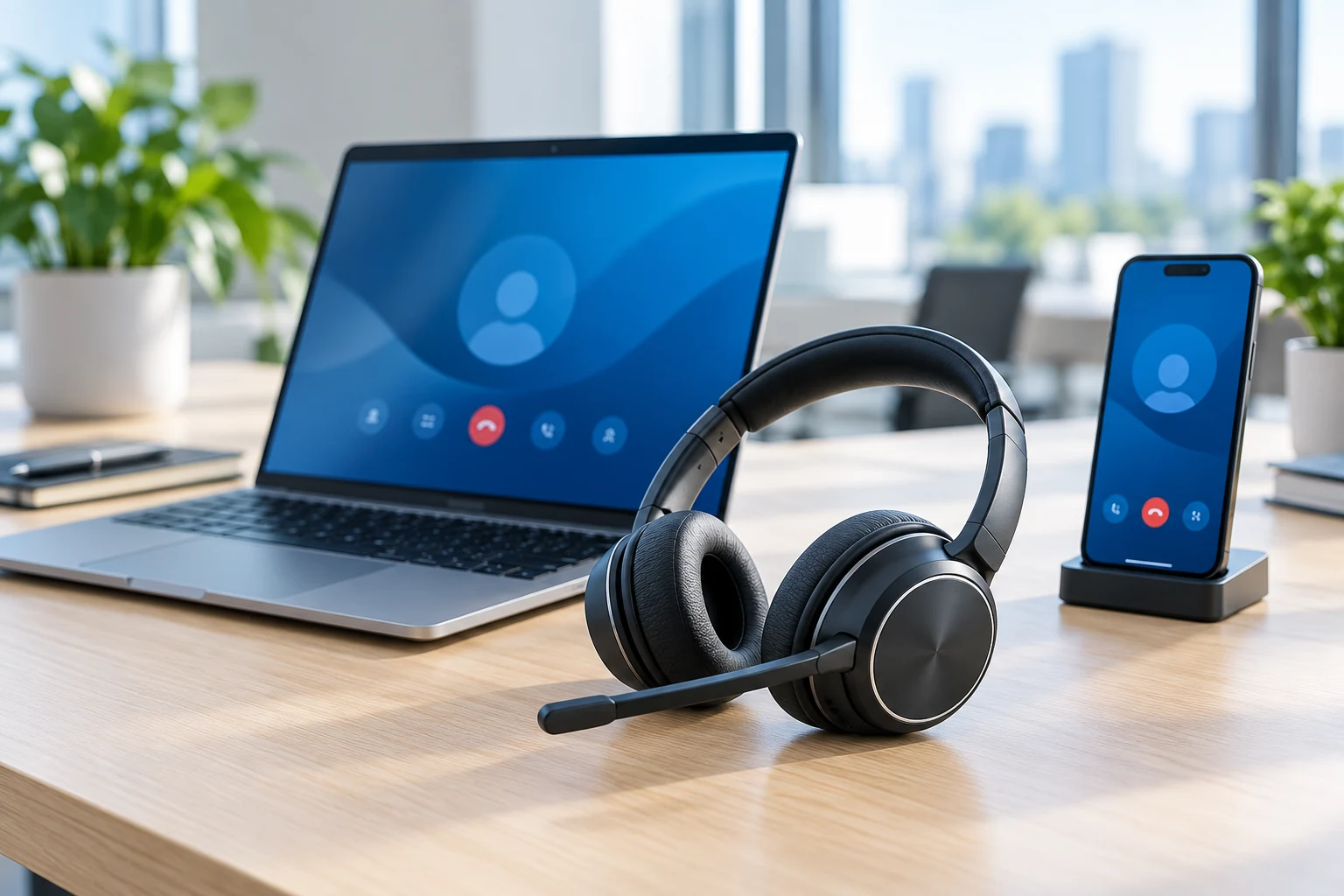
Use supported desktop, mobile and headset options so staff can take business calls beyond a traditional desk phone.
Two platform options
Choose between 3CX and Microsoft Teams Phone depending on the organisation's requirements and existing environment.
Your phone system doesn’t have to live on a desk
Modern voice platforms can allow business calls to follow the user rather than being tied to one physical handset.
Depending on the platform and configuration, staff may be able to make and receive business calls through a desktop application, mobile application, headset or compatible desk phone.
That can be particularly useful for hybrid teams, multiple offices and staff who regularly work away from their desk.
The right phone platform depends on the business
We work with both 3CX and Microsoft Teams Phone. The better fit depends on the organisation's existing technology, call-flow requirements and how staff prefer to communicate.
3CX
3CX is a dedicated business communications platform with strong traditional PBX functionality combined with desktop and mobile calling.
It can be a good fit for organisations that need flexible call routing, queues, auto attendants and broader PBX-style functionality.
Suitable requirements may include:- complex call routing
- multiple call queues
- auto attendants
- ring groups
- desktop and mobile apps
- compatible physical handsets
- businesses that want a dedicated phone platform
Microsoft Teams Phone
Microsoft Teams Phone extends Microsoft Teams so supported users can make and receive external business calls through the Teams environment.
It can be particularly attractive for organisations already using Microsoft 365 and Teams heavily for day-to-day communication.
Suitable requirements may include:- calling directly from Microsoft Teams
- users already working extensively in Teams
- desktop and mobile calling
- auto attendants
- call queues
- Microsoft 365-centred environments
- reducing the number of separate communication applications staff need to use
More than making and receiving calls
Auto attendants
Greet callers and provide menu options that direct them to the appropriate person, team or service.
Call queues
Hold and distribute calls across an appropriate group of users where queue-based calling is required.
Call routing
Configure how incoming calls move through the organisation during business hours and other agreed scenarios.
Desktop calling
Make and receive supported business calls from a computer using the relevant voice application and headset.
Mobile calling
Use supported mobile applications so business calls can be handled away from the desk where required.
Desk phones and headsets
Use compatible physical devices where staff prefer or require a traditional desk-phone or headset experience.
Changing phone systems doesn’t necessarily mean changing your number
Existing business phone numbers can often be transferred to a new voice platform through a number-porting process.
Bang IT can coordinate the technical side of the migration and work through the required configuration around the new phone system.
Number portability, timing and requirements depend on the existing carrier, number type and destination service.
What should happen when someone calls your business?
A phone system works best when the call flow reflects how the business actually operates.
Incoming call
A customer calls the main business number or another configured number.
Auto attendant
The caller can be directed using an appropriate greeting or menu where required.
Team or queue
The call can be routed to an appropriate team, queue, ring group or user.
User answers
The call can be answered through a supported desktop app, mobile app, headset or handset.
Unanswered calls
Alternative routing, voicemail or another agreed destination can be configured where appropriate.
A planned change, not just a new app
A successful voice migration involves numbers, users, call flows, applications, devices and the underlying internet connection.
Understand the current setup
Review existing numbers, users, call flows, queues and devices.
Choose the platform
Determine whether 3CX or Microsoft Teams Phone is the more appropriate fit.
Design the call flow
Plan how incoming calls should reach the right people and teams.
Configure the system
Set up the agreed users, numbers, queues, auto attendants and supported devices.
Port and cut over
Coordinate the agreed number migration and move calling to the new platform.
Validate and support
Check the agreed call flows and provide ongoing support for the implemented environment.
Voice still relies on the network underneath it
Modern business voice systems rely on internet and network connectivity. Poor Wi-Fi, unstable internet or an unsuitable network can affect call quality regardless of which phone platform is being used.
Bang IT can also help with business internet, firewalls, switching and Wi-Fi where the wider network needs attention.
Explore Business Internet & NetworkingFrequently Asked Questions
What business phone systems do you support?
Bang IT provides and supports 3CX and Microsoft Teams Phone solutions. The appropriate platform depends on the organisation's existing environment and calling requirements.
Which is better, 3CX or Microsoft Teams Phone?
There is no single answer for every business. 3CX provides strong dedicated phone-system functionality, while Teams Phone can be particularly attractive for organisations already working heavily within Microsoft 365 and Teams. We look at the requirements before recommending a platform.
Can we keep our existing phone numbers?
Existing business numbers can often be ported to a new voice service, although availability and requirements depend on the number type, existing carrier and destination platform.
Can staff answer calls on their computers?
Yes, both platforms can support desktop-based calling using the relevant application and suitable audio equipment.
Can staff use their mobile phones?
Supported mobile applications can allow users to make and receive business calls through the relevant voice platform where configured.
Can we still use desk phones?
Yes, compatible physical handsets can still be used where a desk-phone experience is preferred or required. Compatibility depends on the platform and device.
Can you set up call queues and auto attendants?
Yes. We can configure supported queues, auto attendants and call routing based on the agreed call-flow design.
Do business phone systems need good internet?
Yes. Modern hosted voice platforms rely heavily on network and internet connectivity, so poor connectivity can affect call quality and reliability.
Can you move us from our existing phone system?
Yes, where the existing environment and numbers are suitable. We can review the current setup, design the new environment and coordinate the agreed migration and number-porting process.
Not sure which phone system fits your business?
Tell us how your team handles calls today, what isn't working and what you need the new system to do. We can talk through whether 3CX or Microsoft Teams Phone is the better fit for the requirements.
Talk to our team