
Most businesses assume Microsoft backs up their email and files. Microsoft keeps the service running, but looking after your data is a shared responsibility.
That difference usually goes unnoticed until someone needs something back.
What Microsoft actually covers
Microsoft operates Microsoft 365 on a shared-responsibility basis. Microsoft looks after the underlying service infrastructure and availability of platforms such as Exchange Online, SharePoint, OneDrive and Teams.
Your organisation is still responsible for how its data is retained, protected and recovered.
Microsoft 365 includes useful native retention and recovery features, but they are not the same thing as maintaining an independent backup.
The recovery options depend on the service, licensing and configuration:
- Deleted Exchange Online items. Items removed from Deleted Items are normally kept in Recoverable Items for 14 days, which an administrator can extend to 30 days. Configured retention or holds can preserve data for longer.
- Deleted users and mailboxes. Deleted users and soft-deleted mailboxes generally have a 30-day recovery window. Removing an Exchange Online licence also normally starts a 30-day grace period for the mailbox. A properly configured hold or inactive mailbox can change what is retained.
- OneDrive and SharePoint files. Work or school recycle bins normally retain deleted items for up to 93 days from the original deletion, unless the items are purged earlier. OneDrive Files Restore and SharePoint shared-library restore can undo supported changes from the last 30 days, using available versions and recycle-bin content. Microsoft Support may also be able to restore a SharePoint site collection within a limited 14-day backup window after actual deletion.
- A deleted user’s OneDrive. This has a separate retention setting, with a default of 30 days after the user is deleted. After that period, the deleted OneDrive is normally available for an administrator to restore for a further 93 days. Retention policies can affect this behaviour.
Native recovery windows can be useful when something was deleted recently, but they may not solve a problem discovered months or years later.
Microsoft also offers a separately configured Microsoft 365 Backup service. That is distinct from the native recycle bins, version history and retention features included in the environment.
Where it goes wrong
These are the situations we see most often:
- A staff member leaves and their licence is removed. A year later, someone needs their emails for a dispute with a client.
- Ransomware hits a laptop and encrypted or corrupted files synchronise into cloud storage.
- Someone deletes a folder by accident, and nobody notices until much later.
- A former employee or compromised account deletes data deliberately.
Retention policies, litigation hold and other Microsoft 365 compliance features can help with some scenarios, but they serve a different purpose from an independent backup. Their capabilities also depend on licensing and configuration.
A real example
We recently helped a client recover a former salesperson’s mailbox, including deleted email, two years after the employee had left. Their Microsoft 365 account was long gone.
It was only possible because independent backup was already in place.
What independent backup gives you
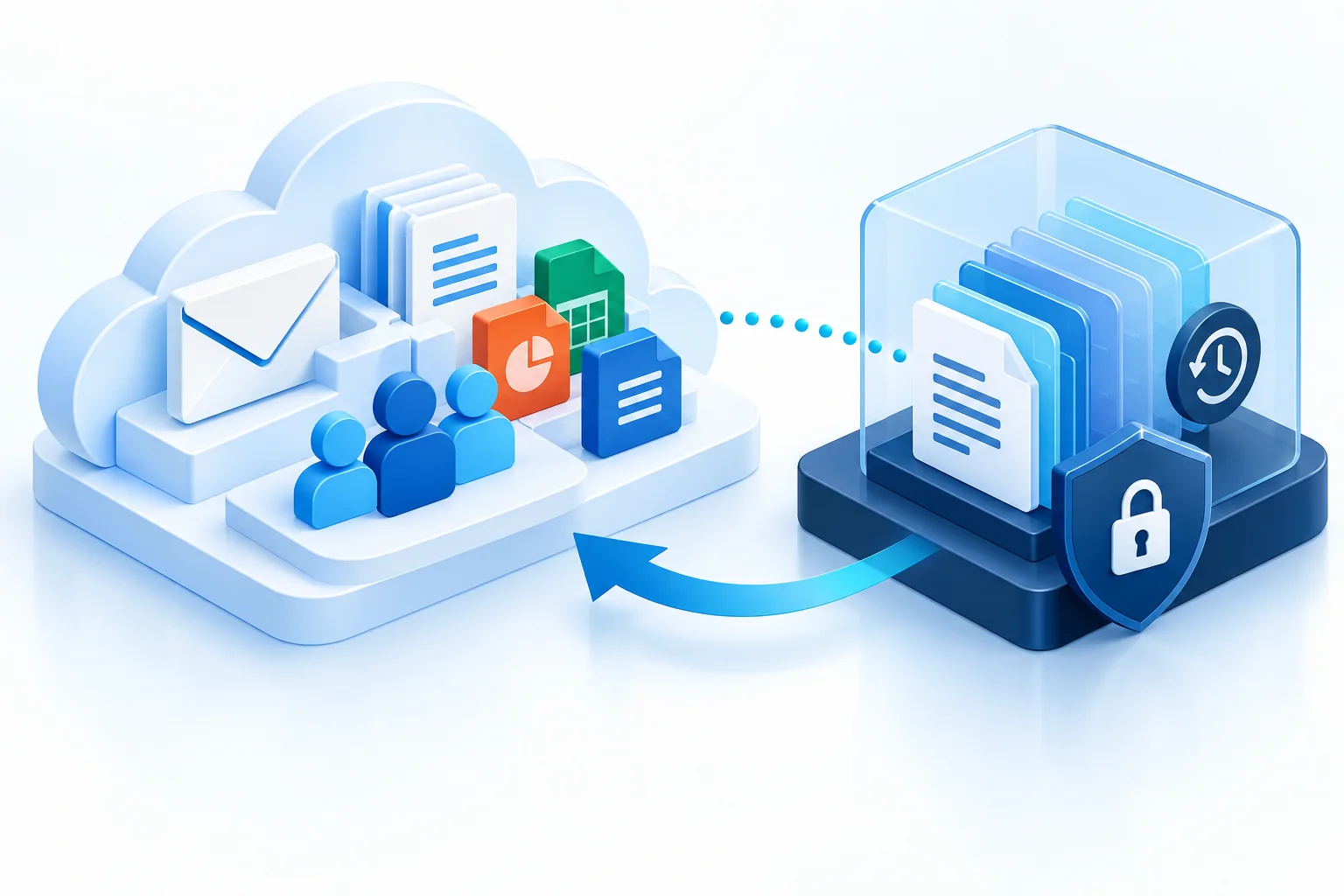
An independent Microsoft 365 backup keeps a separate protected copy of your data.
Depending on the service and configuration, this can cover:
- Exchange mailboxes
- OneDrive
- SharePoint
- Microsoft Teams and other supported Microsoft 365 data
- long-term retention
- point-in-time recovery
- recovery of individual items, folders, mailboxes or larger sets of data
It also needs to be monitored. A backup nobody checks is a backup you can’t confidently rely on.
How we handle it
Independent Microsoft 365 backup is included in our Managed IT service.
Bang IT uses ConnectWise SkyKick / ConnectWise Cloud Backup for Microsoft 365 protection. Retention can be configured around the organisation’s requirements, including long-term or indefinite retention where appropriate.
We monitor backup protection as part of looking after the environment, so the backup is already there before somebody needs it.
Not sure what’s protecting your Microsoft 365 data right now? Talk to our team and we’ll check what you have in place.